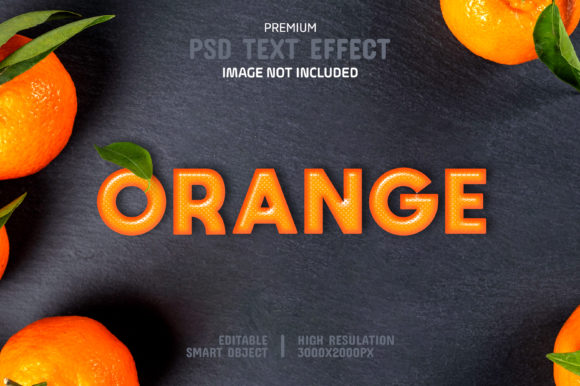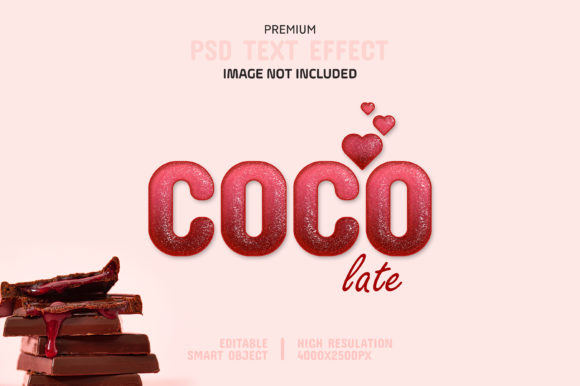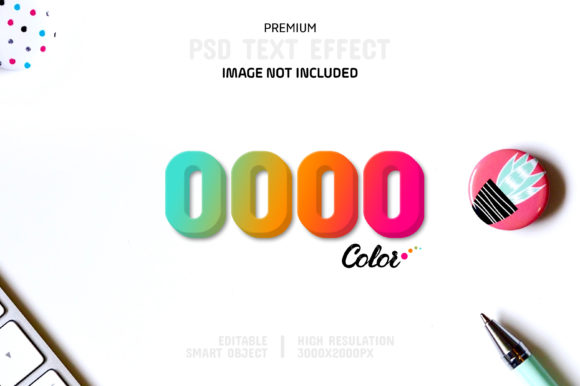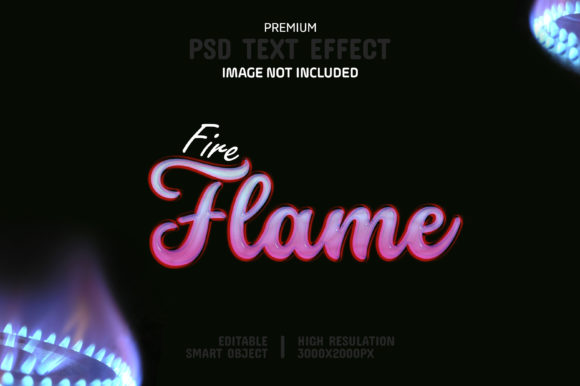
Sweeten Your Designs: The Editable Candy Text Effect
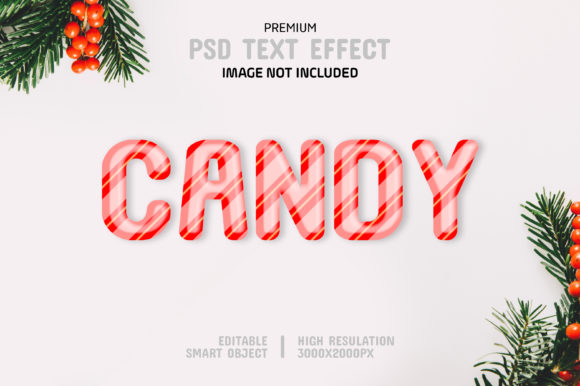
There’s a particular kind of design challenge that comes up constantly: you need a visual that feels playful, energetic, and immediately grabs attention, but you don’t have the time or budget for a fully custom illustration or complex 3D rendering. This is especially true for social media graphics, event promotions, or branding for a product that needs to convey fun. The Editable Candy Text Effect Template is a design asset built specifically for this scenario. It’s not a font file you install, but a pre-styled Photoshop document that transforms any text, shape, or vector logo into a glossy, three-dimensional candy-like appearance. Think of it as a shortcut to a high-impact visual style that would otherwise require significant skill in layer styles and lighting effects.
The visual character of this effect is unmistakable. It evokes a sense of whimsy and nostalgia, reminiscent of gummy candies, hard-shell chocolates, or the shiny, smooth surfaces of modern packaging. The style relies on careful layering of highlights, shadows, and bevels to create a convincing sense of depth and dimension. The result is a typeface that feels tactile and almost edible. Its personality is bold, friendly, and unapologetically fun. This isn’t a template for a corporate law firm’s annual report. Its strength lies in its ability to inject a burst of joyful energy into a design, making it particularly effective for projects targeting children, families, or any audience where a lighthearted, approachable tone is key. The style sits firmly in the realm of display font territory, meaning it’s designed for impact at larger sizes, like headlines or logos, rather than for long-form body text.
Where This Text Effect Truly Shines
The applications for a premium font effect like this are surprisingly broad when you consider the need for eye-catching visuals in today’s content landscape. For social media graphics, it’s a powerhouse. Imagine a vibrant Instagram post announcing a sale, a Facebook cover for a bakery’s grand opening, or a YouTube thumbnail for a family vlog channel. The candy effect instantly communicates the theme without a single word of explanation. It’s also a fantastic tool for logo design presentations, especially for brands in the food, entertainment, or children’s product space. A logo rendered in this style becomes a memorable brand mark that conveys the company’s core personality at a glance.
Beyond digital, its utility extends into packaging design and editorial design. Think of a product label for a new candy bar, a poster for a school fair, or the title treatment on a greeting card. The template’s high resolution (3000x2000 at 300 DPI) means it translates cleanly to print projects like flyers, placards, or even t-shirt designs. For entrepreneurs and small business owners, this means you can create professional-looking promotional materials in-house without outsourcing. A blogger could use it for chapter headings in a digital cookbook, or a crafter could design a standout logo for their Etsy shop. The key is matching the effect’s inherent playfulness to the project’s intended message.
Practical Guidance for Effective Use
Working with the Editable Candy Text Effect Template is intentionally straightforward, which is a major part of its value. The process leverages Photoshop’s Smart Objects, a feature that acts like a protected container for your design. You simply double-click the Smart Object layer, place your own text or logo inside that window, save, and return to the main document. Your design is instantly wrapped in the candy effect, complete with all the pre-configured lighting and texture. This “no special knowledge required” approach makes it accessible to hobbyists and marketers alike, while the professional result satisfies more experienced designers looking for efficiency.
When evaluating if this effect is the right fit, consider your brand identity. Does your brand use a modern typography style that leans playful? The candy effect can amplify that. If your brand is more minimalist or serious, this might be a fun, one-off asset for a specific campaign rather than a core element. Testing is simple: swap in your actual brand name or logo to see if the style enhances or clashes with your existing visual language. A crucial design consideration is font pairing. Because the candy effect is so visually dense, it pairs best with clean, simple sans serif font or even a neutral serif font for any accompanying body text. The goal is to let the candy headline be the star, with supporting text providing clear, readable information. Avoid pairing it with other highly decorative script font or handwritten font styles, as this can create visual clutter and harm readability.
Finally, remember that the included help file is your best friend. It will clarify any specifics about file structure or customization. While the template is 100% editable—you can change colors, scale elements, and adjust the underlying layer styles—it’s wise to experiment on a copy of the file first. This allows you to explore the limits of the effect while preserving the original, well-organized layers. For anyone needing to produce high-impact, cheerful graphics quickly, this template is less a fancy creative font and more a practical design tool, a shortcut to a polished result that engages an audience through pure, sugary visual appeal.